How to Clean a 3D Printer Nozzle (and When to Replace It)
A clogged nozzle is a small, normal problem. Here are the three fixes in order, how often to clean a nozzle that is working, and how to tell when it needs replacing instead.
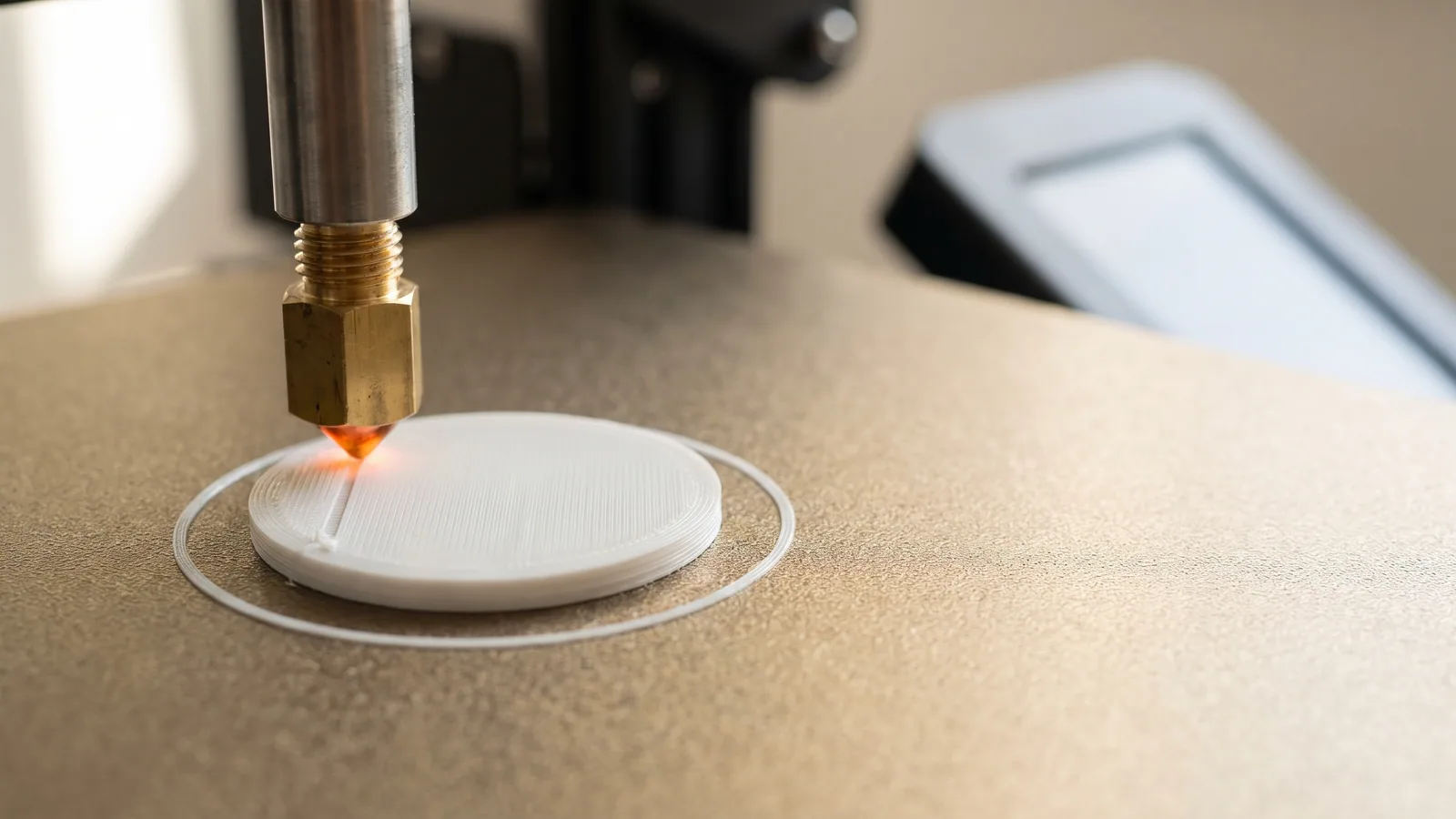
The nozzle is the smallest part of a 3D printer and the one every gram of plastic has to squeeze through. The hole at its tip is usually 0.4 mm wide, about the thickness of four sheets of paper. A fleck of burnt plastic or dust that size is enough to slow the flow or stop it.
The good news: a dirty or clogged nozzle is a normal, small problem, and most of the time you can fix it in a few minutes without taking anything apart. This guide goes through the fixes in order, from easiest to most involved, using the steps Bambu Lab publishes for its own printers. It ends with the part most guides skip: how to tell when cleaning is a waste of time and the nozzle should just be replaced. If you'd rather print than tinker, our ready-to-print designs are all set up for plain filament that is easy on a nozzle, and we'll show the numbers.
How do you know a 3D printer nozzle needs cleaning?
A nozzle rarely blocks all at once. It usually gives warnings first. Bambu Lab's guide to avoiding clogs names the two main symptoms:
- Under-extrusion: not enough plastic comes out, so the print has thin lines and gaps.
- No extrusion: the printer makes all the right moves, but nothing comes out of the nozzle.
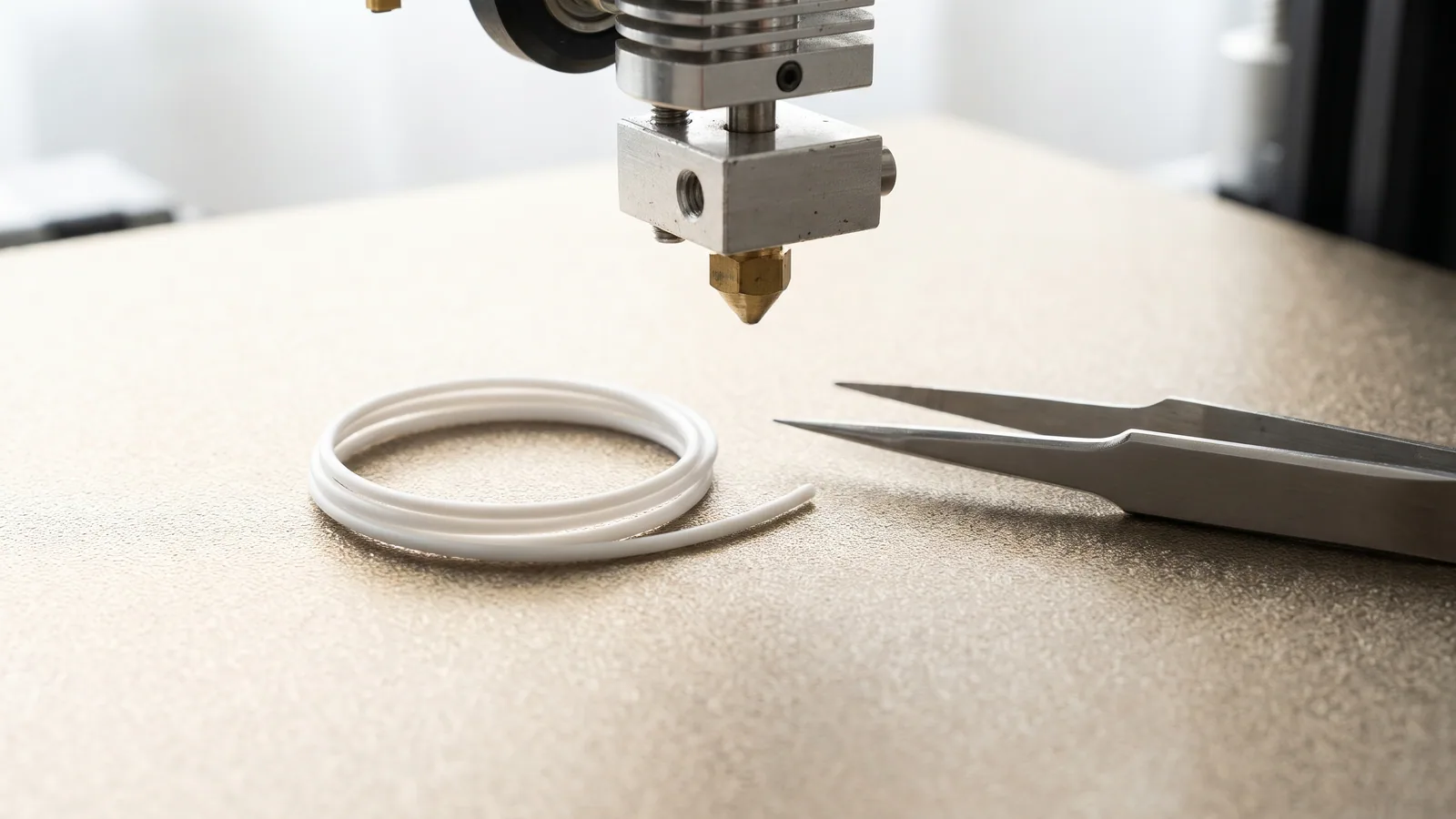
There is a third sign worth knowing, because it shows up before a print fails. Heat the nozzle and push a little filament through by hand from the printer's screen. A clean nozzle drops a straight, even strand. A partly blocked one sends the strand out sideways, or it curls back up toward the nozzle as it comes out.
You may also hear the problem. The extruder (the motor and gears that push filament into the nozzle) makes a clicking or thumping sound when it pushes against a blockage and slips.
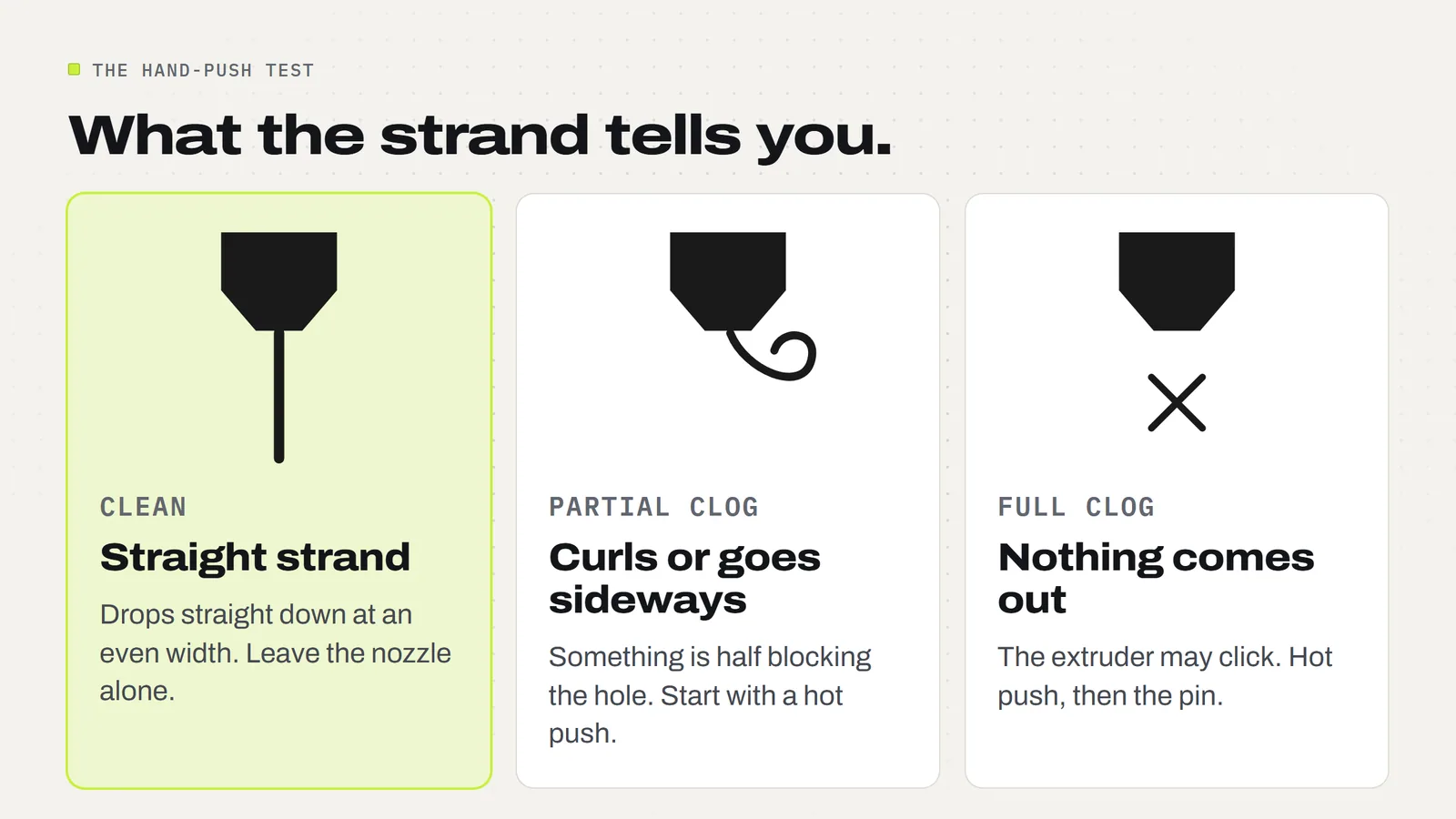
One caution before you blame the nozzle. Thin, gappy lines also come from filament that is too cold or damp. If the nozzle passes the straight-strand test, read our guides to PLA temperature and drying filament before you start poking at anything.
What causes a nozzle to clog?
Bambu Lab lists five common causes in its unclogging guide. In plain English:
- Heat creeping upward. Soft filaments such as PLA can turn rubbery above the nozzle, where they should still be solid, and jam there. It happens most in a closed, warm printer.
- Filament that is too fat. Filament should be 1.75 mm wide. Bambu gives 1.75 mm plus or minus 0.03 mm as the range to check for with calipers. Cheap spools with thick spots can wedge in the hotend (the heated metal part the nozzle belongs to).
- Dirt. Dust on the filament or debris inside the extruder gets carried down into the nozzle.
- Particles in the filament. Carbon fiber, glow-in-the-dark and sparkle filaments contain solid bits that can be bigger than the hole.
- Leftovers from a different plastic. If you switch between very different materials and the old one isn't fully pushed out, it can burn or harden inside.
Notice what is not on the list: ordinary PLA that is dry, clean and a consistent width. That is the reason clogs are rare for people who print decor, toys and gifts in plain PLA, and common for people who run abrasive or exotic filaments.
How do you clean a 3D printer nozzle, step by step?
Work through these three fixes in order and stop as soon as the nozzle flows straight again. The temperatures below are the ones Bambu Lab gives for PLA. Other plastics need other numbers, so check your printer maker's instructions if you use something else.
Safety first. A nozzle at printing temperature causes burns in an instant. Bambu's guide says to wear heat-resistant gloves and keep your head and face away from the printer, because pressure trapped behind a clog can make melted plastic spray out suddenly.
Fix 1: heat it up and push filament through
This is the simplest fix and it clears most partial clogs.
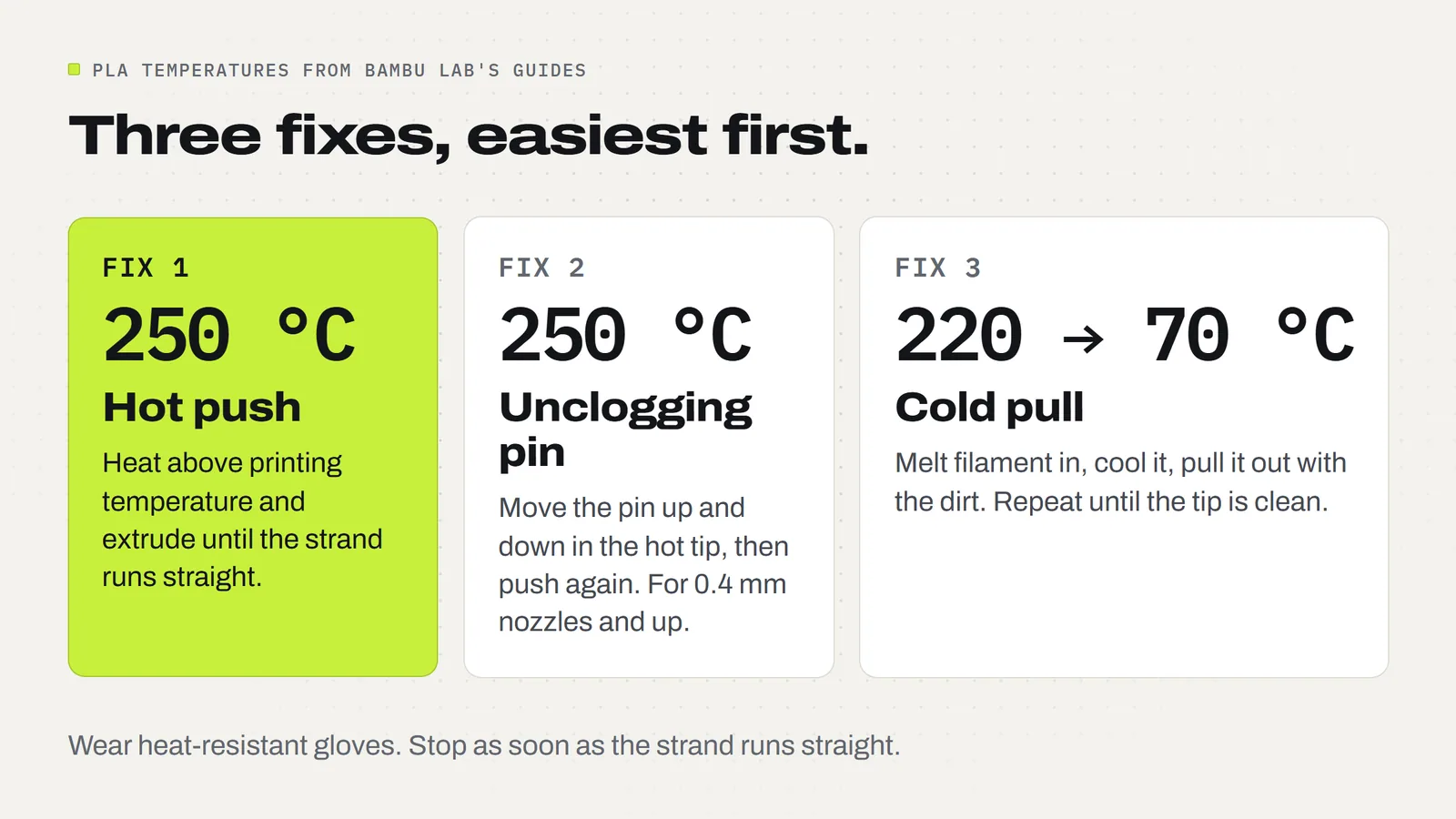
- Set the nozzle a little hotter than you normally print. For PLA, Bambu's guide uses 250 °C.
- Press the load (extrude) button on the printer's screen to push filament through.
- Watch the strand. When it comes out straight and steady, you're done.
The extra heat thins the plastic and softens whatever is stuck, and the fresh filament pushes it out. Don't hammer the button. Give each push a couple of seconds.
Fix 2: clear the tip with the unclogging pin
If nothing comes out, or the strand still curls, use the thin unclogging pin (a fine needle) that comes in the box with many printers.
- Heat the nozzle the same way as in fix 1.
- With gloves on, push the pin up into the hole from below and move it up and down several times.
- Take the pin out and press the extrude button again.
- Repeat the pin and the push until the strand runs straight.
The pin breaks up the speck that is blocking the hole so the melted plastic can carry it out. Bambu notes that this method does not work on nozzles smaller than 0.4 mm, because the pin won't fit.
Fix 3: do a cold pull
A cold pull cleans the inside of the nozzle, not just the hole. You melt filament into the nozzle, let it cool until it is half solid, then pull it back out. As it cools, the plastic grips burnt bits and dust, and they come out with it. Bambu's steps for PLA on its X1 printers are:
- Heat the nozzle to 220 °C and extrude a little filament.
- Set the nozzle to 70 °C and let it cool. While it is still above about 150 °C, keep nudging the extrude button every 2 to 3 seconds so the plastic packs into the nozzle. Stop when the extruder starts to skip.
- When the nozzle reaches 70 °C, press retract on the screen and gently help the filament upward with your hand. Bambu is clear that you should not pull hard.
- Look at the end of the filament. A good pull has a small cone on the tip, the shape of the inside of the nozzle.
- If you see black specks in the cone, repeat until it comes out clean.
Bambu gives 70 to 100 °C as the usual pulling temperature for PLA, and suggests 70 °C the first time. Newer Bambu printers also have a guided cold pull in the maintenance menu on the screen, which walks you through the same idea. One limit: if the nozzle is completely blocked, a cold pull may not be possible until you have opened the hole with fix 1 or fix 2.
How do you clean plastic off the outside of the nozzle?
Blobs and brown crust on the outside of the nozzle are a different job from a clog. They don't block the flow, but they can drag through a print and leave dark marks on light filament.
Soft plastic comes off far more easily than hard plastic, so warm the nozzle first, then lift the blob away with tweezers or small pliers. Never use your fingers, and don't scrape with anything that could scratch the tip, because the shape of the tip is what lays a clean line.
Then check the silicone sock, the small rubbery cover around the hot part of the nozzle. Bambu's guide says to make sure it is properly fitted: it keeps the nozzle temperature steady and reduces plastic build-up. A missing or loose sock is a common reason plastic collects on the nozzle in the first place. If a blob has formed under or around the sock, the print probably came loose from the plate, which is a bed sticking problem, not a nozzle problem.
How often should you clean a nozzle?
You don't need to clean a nozzle that is printing well after every print. Bambu's advice is a cold pull at least once a month, and whenever you switch between different types of filament. It is most useful before printing a soft, flexible filament such as TPU, which may not be stiff enough to push the old plastic out by itself.
Prevention does more than cleaning. These habits come from the same Bambu guide:
- Keep filament dry and sealed. Damp filament bubbles in the nozzle and flows badly.
- Print at the right temperature. Printing too cold leaves plastic half melted, which is a clog waiting to happen.
- Let heat out for PLA and PETG. On an enclosed printer, open the door or take the top cover off so the filament doesn't soften too early.
- Don't push speed past what the plastic can melt. If you get partial clogs at very high speed, slow down or raise the temperature slightly.
- Batch small jobs. Lots of short prints mean lots of heating and cooling, which builds residue faster. Filling one plate is kinder to the nozzle than ten tiny prints.
- Change materials carefully. After a high-temperature plastic, Bambu says to heat the nozzle to 250 to 300 °C, load the new filament and keep extruding while it cools to 220 to 240 °C, until the new color runs clean.
What do our own project files tell you about nozzles?
Every design we sell comes as a 3MF project, a file that saves the print settings along with the shape (what a 3MF file is). That means we can count what our own catalog asks of a nozzle. On 16 November 2026 we read the saved settings in 571 project files across 136 designs:
- 569 of 571 are set up for a 0.4 mm nozzle. The other 2 are small earring parts saved for a 0.2 mm nozzle.
- 561 use PLA and 10 use PETG.
- None uses carbon fiber, glass fiber, glow-in-the-dark or any other abrasive filament.
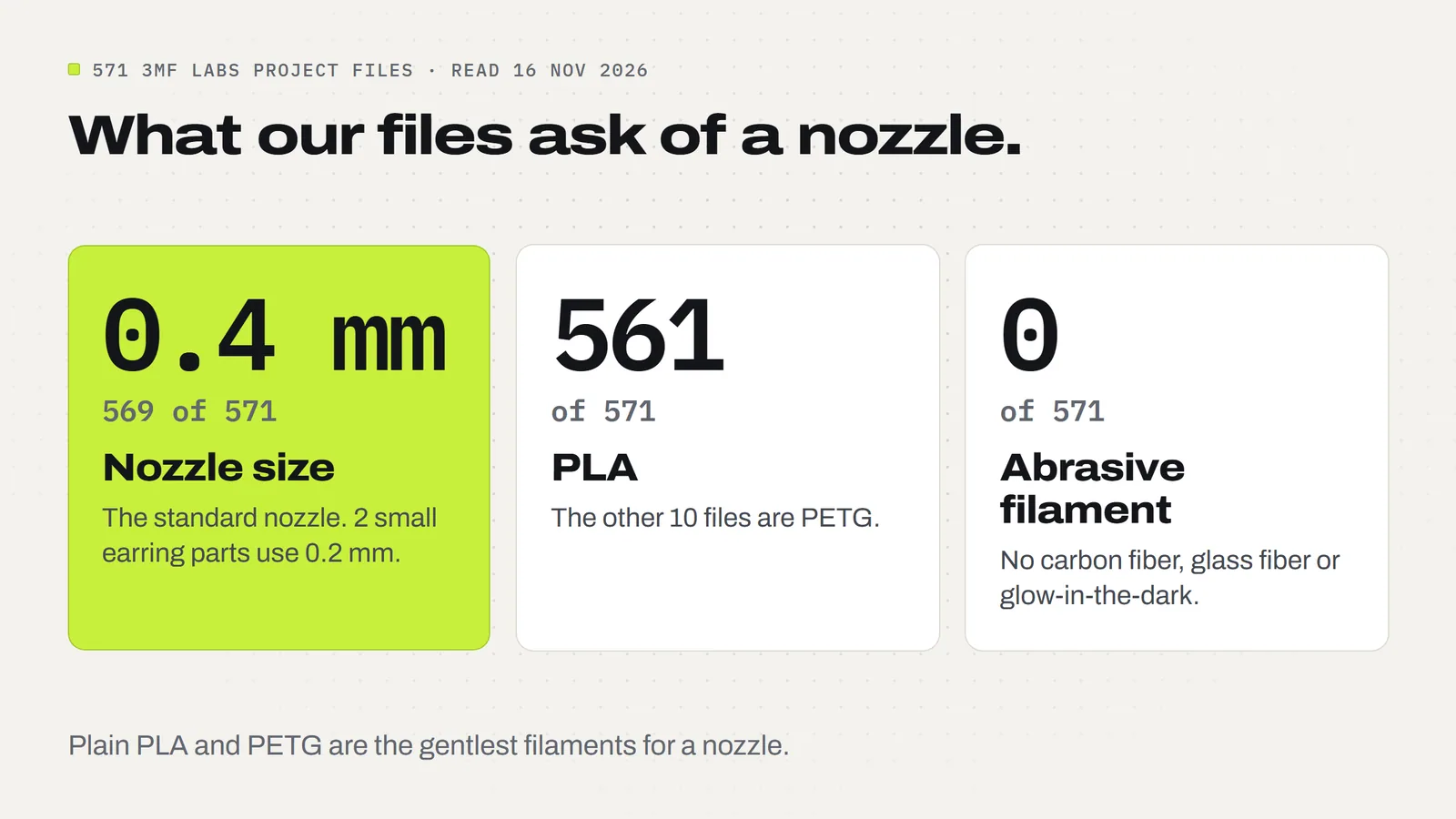
This matters for two reasons. First, the 0.4 mm nozzle that came with your printer is the right one for almost everything we make, from a set of Worry Stones to an Articulated Cat. You don't need to swap nozzles to get started. Second, plain PLA and PETG are the gentlest things you can feed a nozzle. Bambu notes that nozzles of 0.4 mm and above rarely clog, while a 0.2 mm nozzle clogs more easily and is harder to clear. If you print our files in clean, dry PLA, a monthly cold pull is likely all the nozzle care you'll ever do.
When should you replace a 3D printer nozzle instead of cleaning it?
Cleaning removes what is stuck in a nozzle. It can't put metal back. Bambu's unclogging guide says its methods clear about 99% of clogs, and that the rest may be a damaged nozzle that simply needs replacing. So the rule is simple: if you have done all three fixes, more than once, and the strand still won't run straight, stop cleaning and fit a new nozzle.
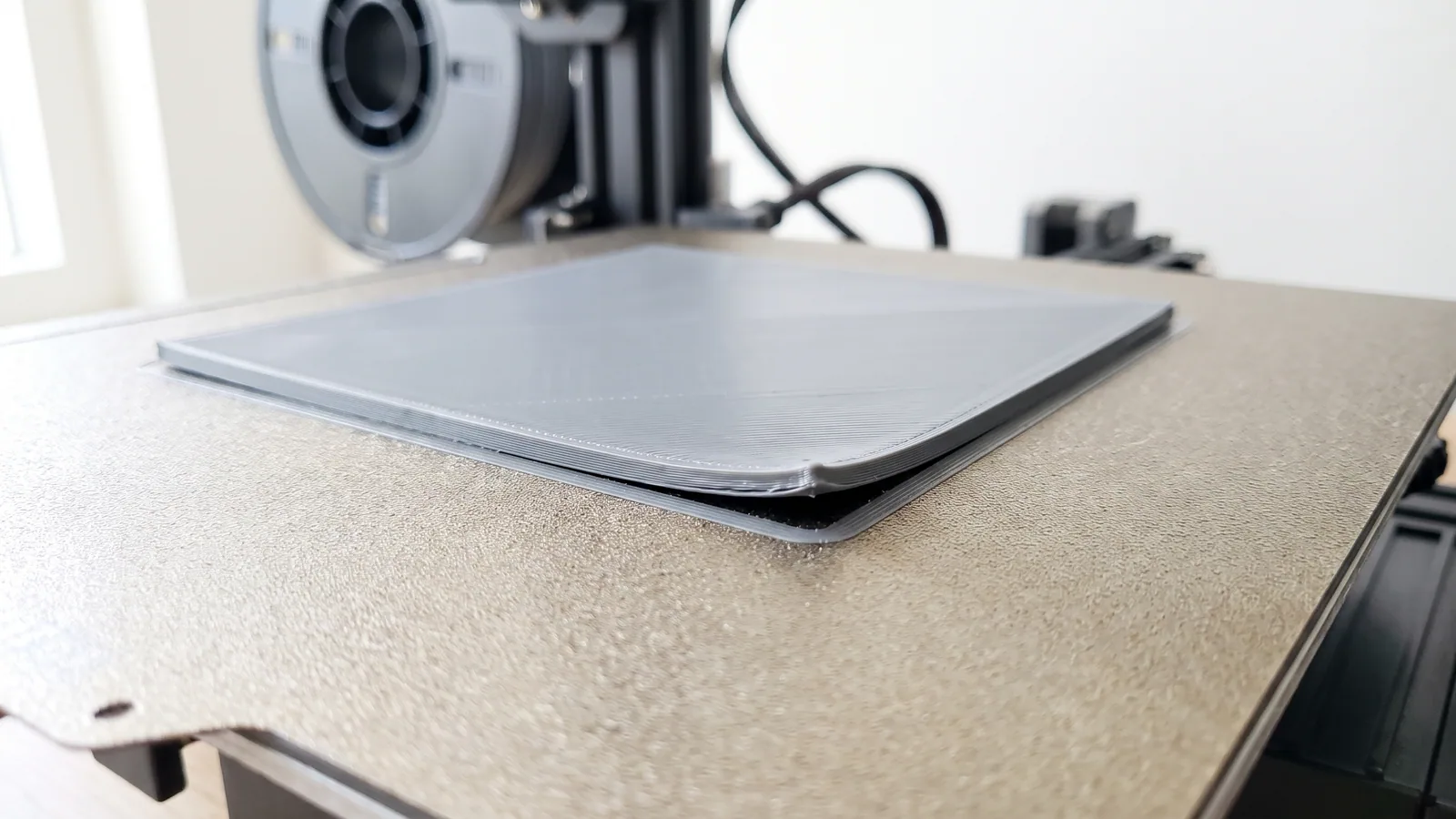
The other reason to replace one is wear. Filaments with hard particles in them, such as carbon fiber, glass fiber, metal-filled and glow-in-the-dark, act like sandpaper on the inside of the nozzle. Bambu's wiki shows a stainless steel nozzle with a visibly enlarged hole after 10 hours of carbon fiber PETG, and says the most abrasive filaments can damage a stainless nozzle in a single print. A worn hole gives uneven flow, weaker layers and rougher prints, and no amount of cleaning fixes it.
| What you see | Clean it or replace it? | What to do |
|---|---|---|
| Strand curls or comes out sideways | Clean | Hot push, then the pin |
| Nothing comes out | Clean | Hot push, the pin, then a cold pull |
| Black specks on a cold pull | Clean | Repeat the cold pull until the tip is clean |
| Blob or crust on the outside | Clean | Warm it, lift it off, check the silicone sock |
| Still blocked after all three fixes, repeated | Replace | The nozzle may be damaged |
| Rough, uneven prints after abrasive filament | Replace | The hole has worn larger; switch to hardened steel for those filaments |
If you plan to print abrasive filaments, use a hardened steel nozzle, which resists that wear. Some printers ship with stainless steel and some with hardened steel, so check which one yours has. For plain PLA and PETG either is fine, and a spare nozzle in the drawer is insurance against losing a weekend of printing before a craft fair.
A quick nozzle checklist
- Test first: heat the nozzle and push filament through. Straight strand means the nozzle is fine.
- Curling or nothing: 250 °C for PLA and push again.
- Still blocked: the unclogging pin, with gloves on.
- Still not right: a cold pull, 220 °C down to 70 °C for PLA.
- Once a month, and when you change filament type: one cold pull.
- Keep the silicone sock on and the filament dry.
- If repeated cleaning fails, or you've run abrasive filament through a stainless nozzle, replace it.
A clean nozzle and dry PLA are most of what a reliable printer needs. The rest is a file that is already set up properly. Browse our print-ready 3MF designs, each one saved with its plate, colors and settings, and with a license that lets you sell the prints you make. If you're new to the slicer, start with Bambu Studio for beginners, and see the FAQ for anything about the downloads.
Designs from this guide
 $2.49
3ML-052 · Worry stone
Worry Stones
Six pocket worry stones with a smooth, deep thumb dip: a classic oval, a rippled oval, a heart, a leaf, a paw and a turtle. STL + 3MF · 8.4 MB View model $3.79
3ML-064 · Flexi cat
Articulated Cat
A happy orange tabby that wiggles from its shoulders to the tip of its tail. It prints in one piece, already joined, so there's nothing to put together. STL + 3MF · 4.5 MB View model $2.49
3ML-127 · Fidget spinner
Heart Fidget Spinner
Five red hearts that spin around a centre hub, with a little white heart on each. It prints in place in one piece: no metal bearing, no assembly. STL + 3MF · 4.3 MB View model $3.79
3ML-068 · Flexi octopus
Articulated Octopus
A smiling coral octopus with eight chunky tentacles that wiggle side to side and curl at the tips. It prints in one piece, already joined, so there's nothing to put together. STL + 3MF · 5.2 MB View model $2.49
3ML-083 · Bag clips
Bag Clips
Snack bag clips in three sizes that print in one go with the hinge already inside: fold them shut once and they snap closed. STL + 3MF · 1.2 MB View modelQuestions
How do I clean a clogged 3D printer nozzle?
Work through three fixes in order. Heat the nozzle a little above printing temperature (250 °C for PLA) and push filament through. If that fails, move the unclogging pin up and down in the hot nozzle tip, then push again. If it still isn't right, do a cold pull. Wear heat-resistant gloves throughout.
What is a cold pull?
A cold pull cleans the inside of a nozzle. You melt filament into it, let it cool until the plastic is half solid, then pull it out with the dirt stuck to it. For PLA, Bambu Lab's guide heats to 220 °C and pulls at 70 °C. A good pull has a small cone on the tip.
How often should I clean my 3D printer nozzle?
Bambu Lab recommends a cold pull at least once a month, and whenever you switch between different types of filament. A nozzle that is printing well does not need cleaning after every print. Dry, clean filament and the right temperature prevent most clogs.
How do I know if my nozzle is clogged?
Heat the nozzle and push filament through from the printer's screen. A clean nozzle drops a straight, even strand. A partly clogged one sends it sideways or curls it upward, and a full clog lets nothing out. During a print, the signs are thin gappy lines and a clicking extruder.
Can I use a needle to clean a 3D printer nozzle?
Yes. Many printers come with a thin unclogging pin for this. Heat the nozzle first, wear heat-resistant gloves, push the pin up into the hole and move it up and down several times, then extrude filament. Bambu Lab notes the pin does not work on nozzles smaller than 0.4 mm.
When should I replace a 3D printer nozzle?
Replace it when repeated cleaning doesn't restore a straight strand, or when abrasive filament has worn the hole larger. Bambu Lab's wiki shows a stainless steel nozzle visibly worn after 10 hours of carbon fiber PETG. A worn nozzle gives uneven flow, and cleaning can't fix it.
Does PLA clog a nozzle?
Plain, dry PLA rarely does. Clogs usually come from damp or dirty filament, filament with solid particles in it, printing too cold, or heat softening the PLA above the nozzle in a closed printer. On an enclosed printer, open the door or remove the top cover when printing PLA.
What nozzle size do 3MF Labs designs need?
The standard 0.4 mm nozzle. Of 571 project files we read on 16 November 2026, 569 are saved for a 0.4 mm nozzle and 2 small earring parts for a 0.2 mm nozzle. 561 use PLA and 10 use PETG. None uses an abrasive filament.
Sources
- Bambu Lab Wiki: A1/A1 mini Nozzle/Hotend Unclogging Procedure (causes, 250 °C manual extrusion, pin tool, safety warnings)
- Bambu Lab Wiki: What is Cold Pull and How to Perform It (220 °C, pull at 70-100 °C for PLA)
- Bambu Lab Wiki: How to Avoid Nozzle Clogs (monthly cold pull, filament diameter, silicone sock, material changes)
- Bambu Lab Wiki: P1S extruder upgrade (stainless nozzle wear from abrasive filaments, hardened steel)
Filed under Printing and slicing