PLA Temperature: Nozzle and Bed Settings That Actually Work
PLA prints across a wide range, which is why every guide quotes a different number. Here are the nozzle and bed temperatures that work, how to tell when yours are off, and the settings saved in our own 476 PLA project files.
PLA is the easiest filament to print, and temperature is most of the reason why. It melts at a low heat, sticks to a warm plate without fuss and forgives a setting that is a few degrees off. That also means the internet is full of different "best" numbers, from 190 to 230 °C, and a beginner can't tell which one to trust.
This guide gives the numbers that work, explains what each one does, and shows how to tell when yours are wrong. We also read the saved settings in 476 PLA project files behind our ready-to-print designs, so you can see what a shop that prints PLA every day leaves the dials on.
What temperature should you print PLA at?
There are two temperatures to set, and they do different jobs:
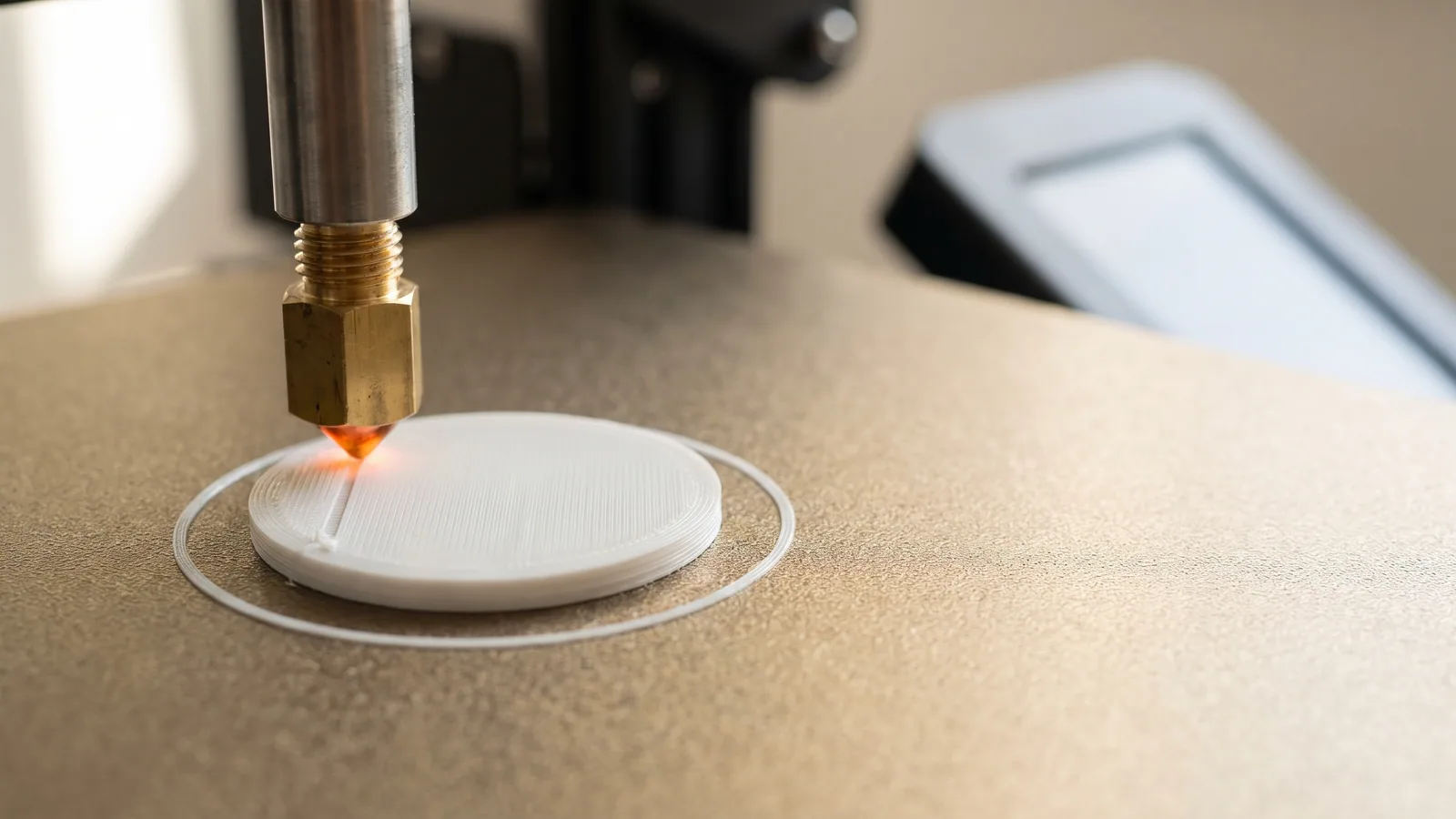
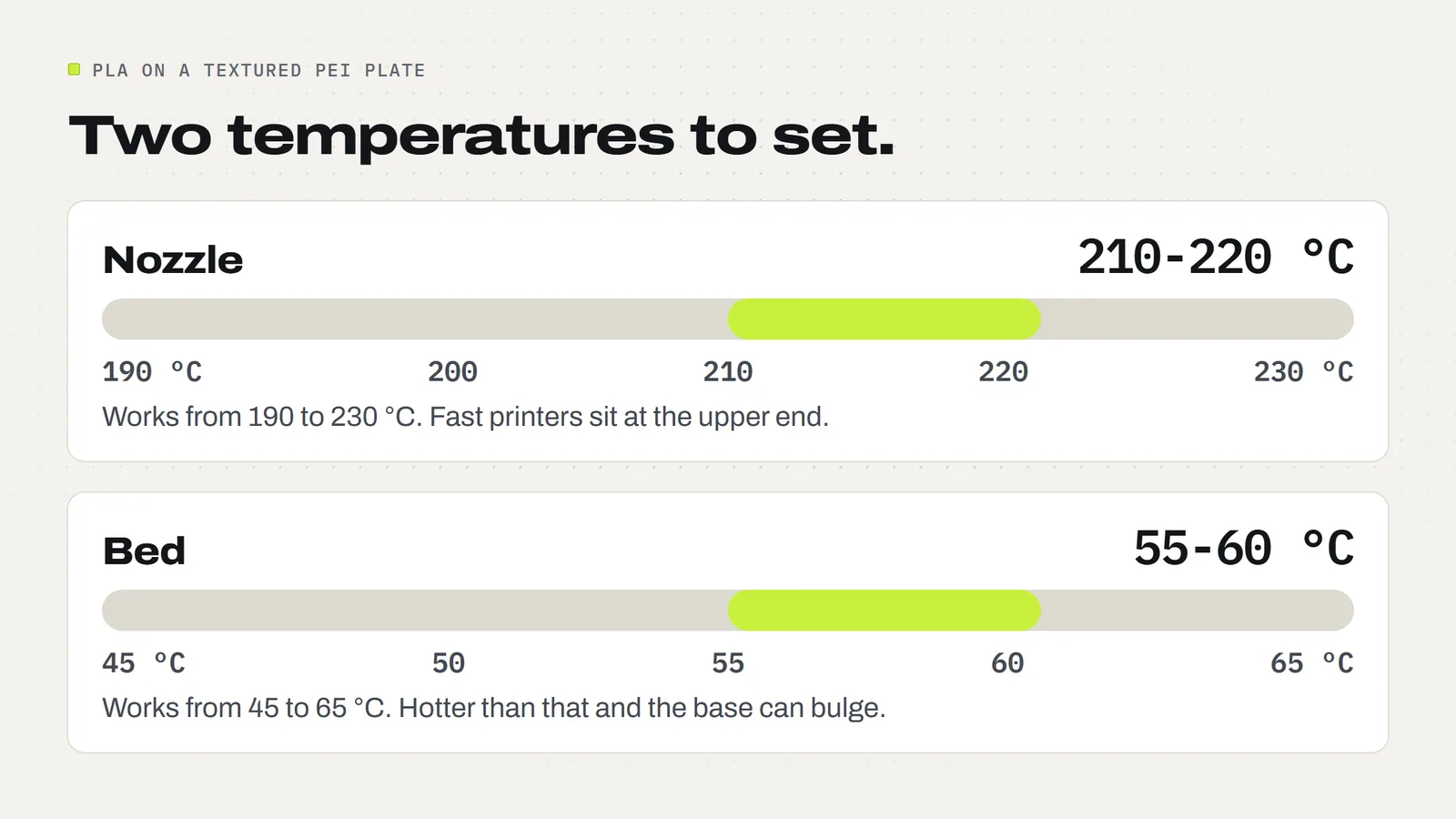
- Nozzle temperature: how hot the plastic is when it leaves the nozzle. For PLA, 190 to 230 °C covers nearly every brand. On a modern fast printer, 210 to 220 °C is the usual sweet spot.
- Bed temperature: how warm the build plate is. For PLA on a textured PEI plate (the gold, slightly rough plate that ships with most Bambu Lab printers), 55 to 60 °C works well.
Those ranges are not guesses. Bambu Lab's data sheet for its PLA Basic filament gives a nozzle range of 190 to 230 °C, and its filament table lists 45 to 65 °C for PLA on the textured PEI plate. Most other brands print a similar range on the side of the spool. That label is the first thing to check, because it was written for the exact plastic in your hand.
What do real project files use?
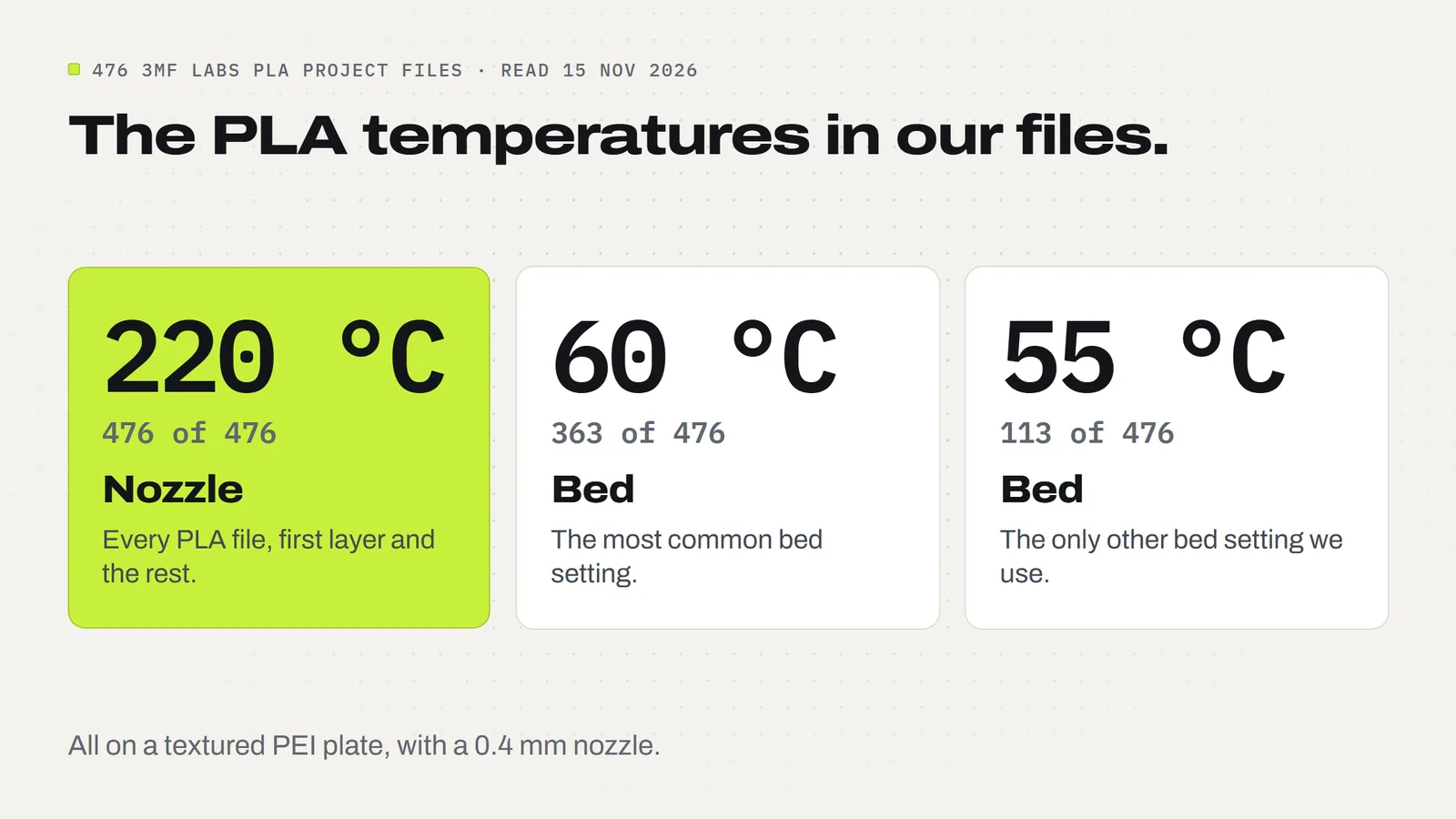
Every design we sell comes as a 3MF project, a file that carries the print settings along with the shape (what a 3MF file is). That makes our own catalog easy to check. On 15 November 2026 we read the saved settings in 486 project files across 133 designs. 476 of them are set up for PLA, and this is what they hold:
- Nozzle: 220 °C in all 476. Not one PLA file uses anything else, for the first layer or the rest.
- Bed: 60 °C in 363 files and 55 °C in 113. Nothing lower, nothing higher.
- Plate: textured PEI in every file.
- Cooling fan: off for the first layer, then 100% in nearly all of them.
The other 10 files are for PETG, a tougher plastic used for two clip designs. Those run at 250 to 255 °C on a 70 °C bed, which shows how different the next filament up is (PLA vs PETG covers when to switch).
These files are saved for a Bambu Lab printer with a standard 0.4 mm nozzle, printing at Bambu's normal speeds. The same numbers print a small Heart Fidget Spinner, a smooth set of Worry Stones and the tall parts of the Modular Lantern Frame. That is the useful lesson: you don't need a different temperature for every model. Find one setting that suits your filament and printer, and leave it alone.
Why print at 220 °C if PLA melts at about 150 °C?
This confuses a lot of people. The resin maker NatureWorks, whose Ingeo PLA is the base for many filaments, lists a peak melting temperature of 145 to 160 °C for its 3D printing grade. So why set the nozzle 60 degrees hotter?
Because the plastic only spends a moment in the hot part of the nozzle. Filament goes in cold and has to come out fully melted a fraction of a second later. The faster the printer pushes it through, the less time it has to heat up, so the nozzle has to be hotter to keep up. The extra heat also helps each new line fuse to the layer below it.
That is why older guides say 200 °C and newer printers default to 220 °C. Nothing changed about PLA. Printers got faster. If you print slowly on an older machine, 200 to 210 °C is often plenty. If you print at today's speeds, 215 to 220 °C is normal.
What bed temperature is best for PLA?
The bed's job is to hold the first layer in place for the whole print, then let go when it is done. It does that with warmth. PLA starts to soften at 55 to 60 °C (the "glass transition" on NatureWorks' data sheet, meaning the point where hard plastic turns slightly rubbery). A bed at about that temperature keeps the bottom of the print just soft enough to grip the plate.
The right number depends on the plate:
- Textured PEI plate: 55 to 60 °C. This is the common setup and the one all our files use.
- Smooth cool plate: lower. Bambu's PLA Basic data sheet gives 35 to 45 °C with glue for its cool plate.
- Any other plate: use the number the plate's maker gives. A plate that grips harder needs less heat.
If the first layer won't stay down, a bed that is 5 °C too cool is one possible cause, but a greasy plate is a more common one. Wash the plate with dish soap before you change the temperature. Our guides to looking after a textured PEI plate and prints that won't stick go through that in order.
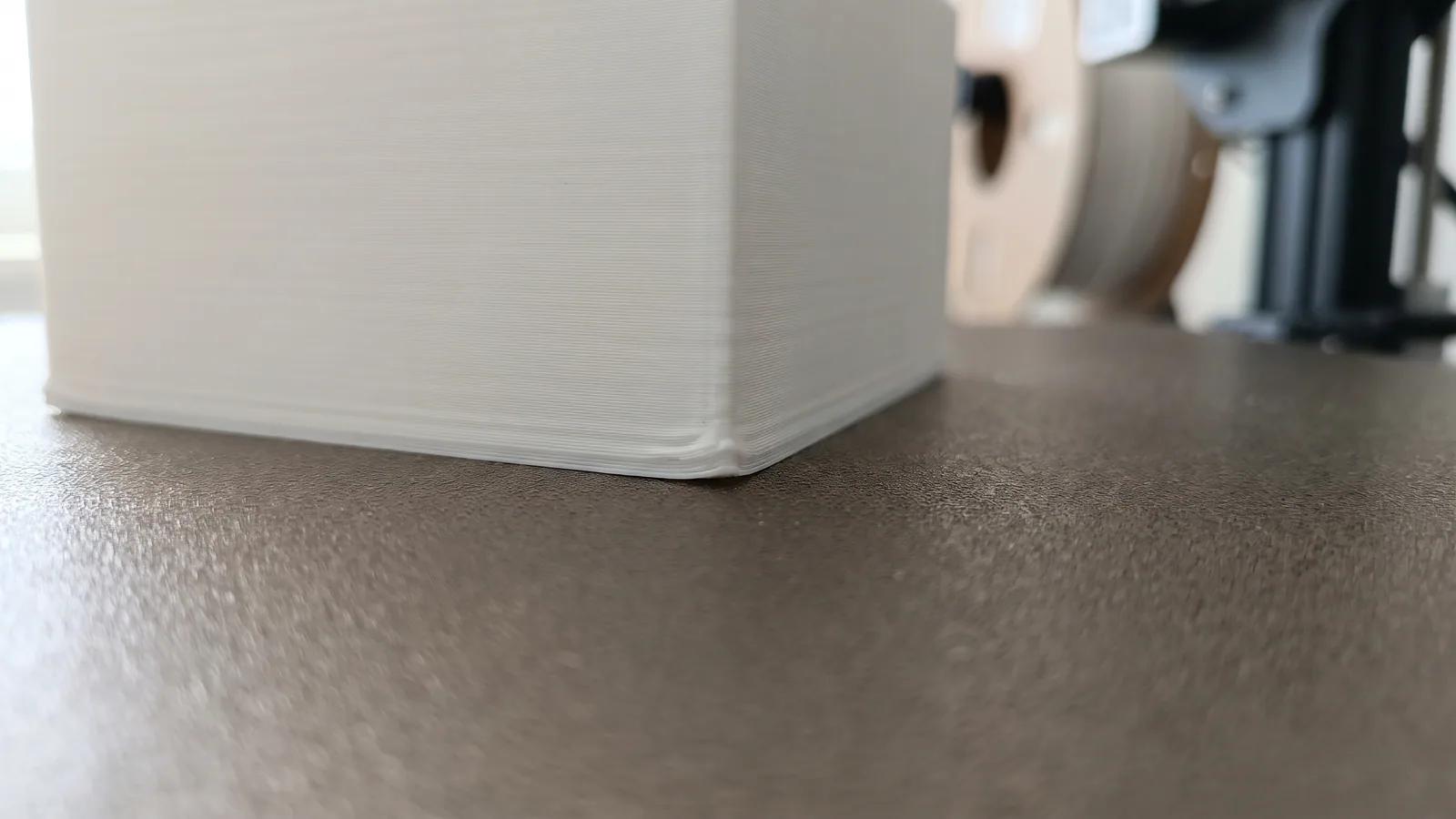
Don't run the bed hotter "to be safe". Well above 60 °C, the bottom layers of a PLA print stay soft, and the base can bulge outward (called elephant foot) or the print can warp as it cools unevenly.
How do you know if PLA is printing too hot or too cold?
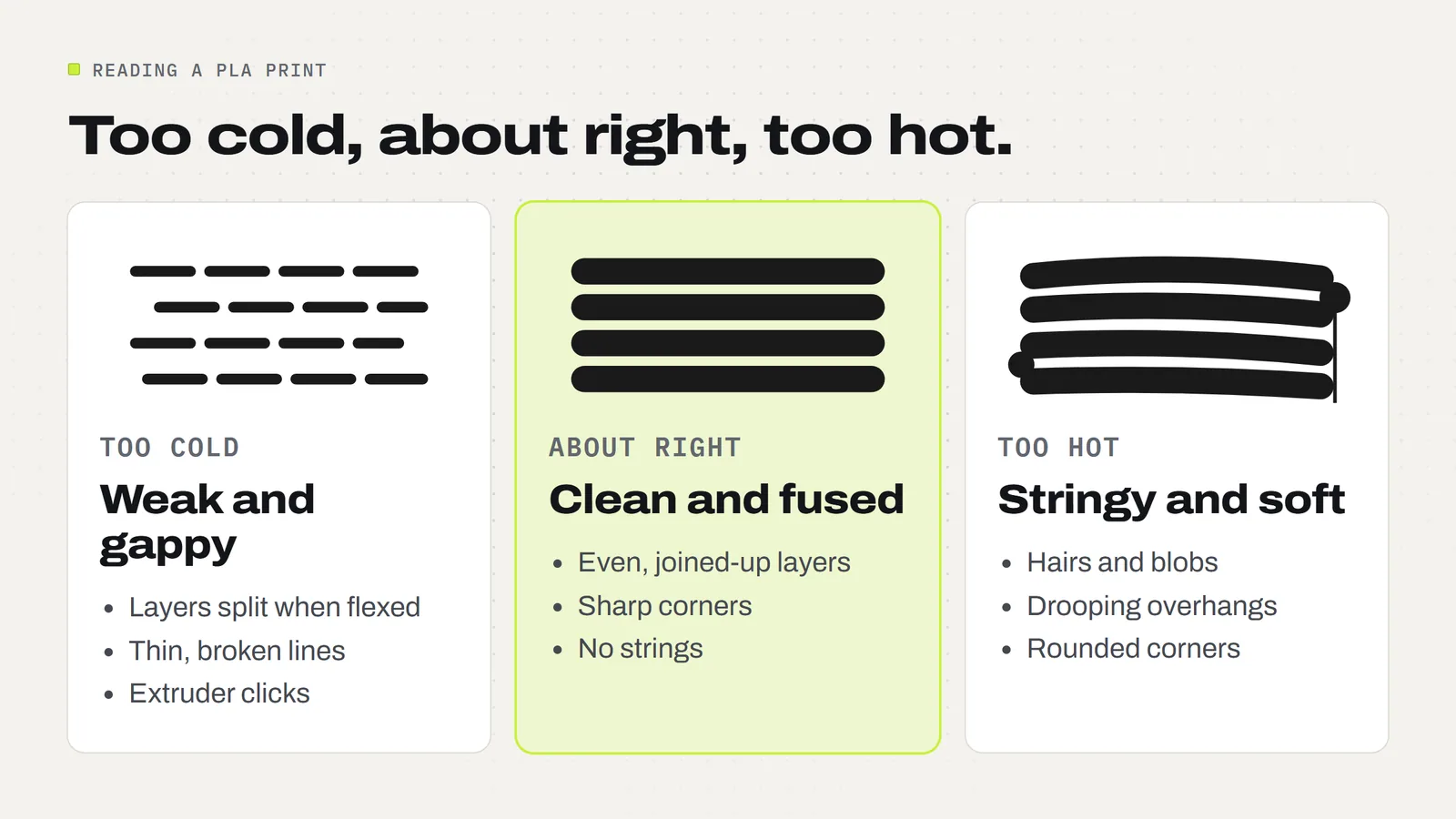
The print tells you. Look at it closely and match what you see to this table. Change one thing at a time, 5 °C per step, and print the same small test piece again.
| What you see | Likely cause | What to try |
|---|---|---|
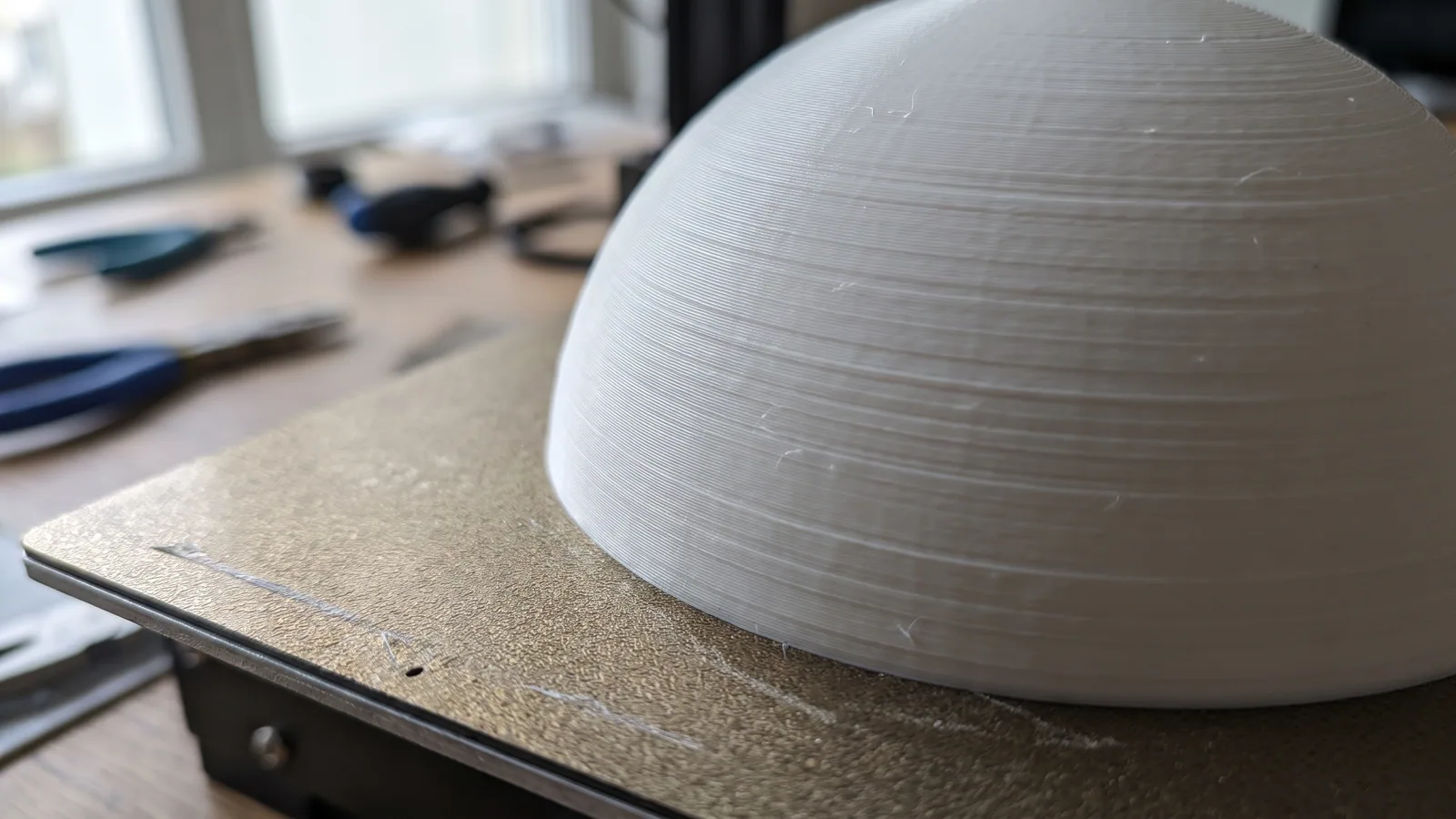
| Fine hairs between parts, small blobs on the surface | Nozzle too hot (or damp filament) | Dry the filament first, then drop the nozzle 5 °C |
| Drooping overhangs, soft or rounded corners, mushy small details | Nozzle too hot, or not enough cooling | Drop the nozzle 5 °C and check the part fan is at 100% |
| Layers that split apart when you flex the print | Nozzle too cold | Raise the nozzle 5 to 10 °C |
| Thin, gappy or rough lines; a clicking sound from the extruder | Nozzle too cold for the speed | Raise the nozzle 5 to 10 °C or slow the print down |
| Dull, matte patches on shiny filament | Nozzle too cold or speed changing | Raise the nozzle 5 °C |
| First layer peels up or slides around | Dirty plate, or bed too cool | Wash the plate, then raise the bed 5 °C |
| Bottom edge flares out, base looks squashed | Bed too hot | Lower the bed 5 °C |
Two of those rows need a note. Stringing looks like a heat problem, but damp filament is a very common cause, and no temperature change fixes it. Our stringing guide covers drying. And lifted corners are not always the bed's fault either: drafts and big flat shapes do it too, which is the subject of the warping guide.
How do you change the PLA temperature in Bambu Studio?
In Bambu Studio, temperatures belong to the filament, not to the model. That is why picking the right filament from the list sets them for you. To look at them or change them:
- Find the filament list on the left of the Prepare screen.
- Click the small edit button next to the filament you are using.
- On the Filament tab, the nozzle temperature has two boxes: one for the first layer and one for the other layers.
- Just below, the bed temperature is listed once for each plate type. Change the row for the plate you actually have on the printer.
- Save it as a new preset with a name you'll recognise, such as the brand and color. Then slice and print.
If you open one of our 3MF projects, the temperatures are already saved in it, so there is nothing to set. If your filament is a different brand from the one in the project, pick your brand from the filament list and Bambu Studio swaps in that brand's numbers. New to the app? Bambu Studio for beginners walks through opening and printing a project.
Do silk, matte and PLA+ need a different temperature?
Often, yes, by a little. "PLA" on a label covers a family of blends. Silk PLA has additives that make it shiny, matte PLA has fillers that make it flat, and PLA+ or "tough" PLA is blended to be less brittle (PLA vs PLA+). Each maker tunes its own recipe, so the working range moves by 5 to 15 °C between them.
Three habits keep this simple:
- Read the spool. The range on the label beats any general advice, including ours.
- Start in the middle of that range. Then adjust 5 °C at a time using the table above.
- Use the matching preset. If your slicer has a preset for that exact filament, start there. Use a "generic PLA" preset only when it doesn't.
When a new roll behaves oddly and you want proof, print a temperature tower. It is a small test model made of stacked blocks, each printed a few degrees cooler than the one below, so one print shows you the whole range. Bambu's wiki describes it under calibration. Pick the block with the cleanest overhangs and no strings, check that its layers don't snap apart easily, and use that number.
How hot can a finished PLA print get before it softens?
This is the temperature that matters after the print is sold. The same softening point that helps PLA grip the bed, 55 to 60 °C, is the point where a finished print starts to lose its shape. A closed car on a summer day gets hotter than that. So can a dashboard, a windowsill in direct sun or the top of a radiator.
For things you make to sell, that means:
- PLA is fine for indoor decor, ornaments, toys and gifts, which is most of what sells.
- Anything with a light inside should use battery LED lights only, never a flame or a hot bulb. That applies to every lantern and tealight holder, ours included.
- Items that live in a car, outdoors in summer or near heat belong in PETG instead.
- A short care line on the tag ("keep away from heat and hot cars") saves an unhappy message later.
If you sell prints, the license with every 3MF Labs design lets you sell the physical prints you make, with no limit and no royalty. The details are on the license page, and selling 3D prints covers the rest.
A short PLA temperature checklist
- Read the range on the spool.
- Pick the matching filament preset in your slicer. If there isn't one, start at 215 to 220 °C for the nozzle and 55 to 60 °C for a textured PEI bed.
- Keep the part fan at 100% after the first layer.
- Print something small. Look for strings and droop (too hot) or weak, gappy layers (too cold).
- Adjust 5 °C at a time, one setting at a time.
- Save the result as a preset named after the filament, and stop adjusting.
Or skip the tuning: every design in our catalog opens with its temperatures, plate and layout already saved, with STL files included for other slicers. Questions about what comes in a download are answered in the FAQ.
Designs from this guide
 $2.49
3ML-052 · Worry stone
Worry Stones
Six pocket worry stones with a smooth, deep thumb dip: a classic oval, a rippled oval, a heart, a leaf, a paw and a turtle. STL + 3MF · 8.4 MB View model $2.49
3ML-127 · Fidget spinner
Heart Fidget Spinner
Five red hearts that spin around a centre hub, with a little white heart on each. It prints in place in one piece: no metal bearing, no assembly. STL + 3MF · 4.3 MB View model $2.49
3ML-012 · Lantern frame
Modular Lantern Frame
The Modular Lantern's frame, roof and carry handle. Print it once, then slide in a set of panels for every season. STL + 3MF · 2.0 MB View model $3.79
3ML-122 · Flexi snowman
Christmas Flexi Snowman
A chubby snowman in a red beanie and scarf whose head and middle twist round. It prints standing up in one go, already joined. STL + 3MF · 10 MB View model $3.79
3ML-017 · Candy bowl
Cornucopia Candy Bowl
A woven-look cornucopia horn that holds wrapped candy, with a curled tail and a harvest cluster that hooks over the rim. STL + 3MF · 12 MB View modelQuestions
What is the best temperature for PLA?
For most PLA, set the nozzle to 210 to 220 °C and the bed to 55 to 60 °C on a textured PEI plate. The full working range for the nozzle is about 190 to 230 °C. Check the range printed on your spool first, because blends differ. All 476 of our PLA project files use 220 °C.
What bed temperature should I use for PLA?
Use 55 to 60 °C on a textured PEI plate. Our PLA project files use 60 °C in 363 cases and 55 °C in 113. A smooth cool plate runs lower: Bambu's PLA Basic data sheet gives 35 to 45 °C with glue. Well above 60 °C the base of the print can bulge or warp.
Is 220 °C too hot for PLA?
No. 220 °C is inside the 190 to 230 °C range on Bambu's PLA Basic data sheet and is a normal setting for fast printers. It is too hot only if your print shows strings, blobs or drooping overhangs with dry filament. If so, drop 5 °C at a time.
Can you print PLA at 200 °C?
Yes, on a slower printer or at slower speeds. 200 °C is a common setting on older machines. At high speed the plastic has less time to melt, so 200 °C can give weak layers or thin, gappy lines. If you see that, raise the nozzle 5 to 10 °C.
What temperature does PLA melt at?
PLA resin melts at about 145 to 160 °C, according to NatureWorks' data sheet for its 3D printing grade. Printers run the nozzle hotter, at 190 to 230 °C, because the filament passes through in a fraction of a second and must melt fully in that time.
At what temperature does a PLA print soften?
A finished PLA print starts to soften at 55 to 60 °C, its glass transition temperature. A closed car in summer or a sunny windowsill can get that hot. Keep PLA prints indoors and away from heat, and use battery LED lights only in lanterns.
Do I need a heated bed for PLA?
PLA can print on an unheated bed with glue or tape, but a heated bed makes the first layer far more reliable. At 55 to 60 °C the bottom of the print stays just soft enough to grip a textured PEI plate, then releases once the plate cools.
Should the first layer of PLA be hotter?
It doesn't have to be. Some people add 5 °C to the first layer for extra grip, but all 476 of our PLA project files use the same 220 °C for the first layer and the rest. A clean plate and the right bed temperature do more for the first layer than extra nozzle heat.
Sources
- Bambu Lab: PLA Basic Technical Data Sheet (nozzle 190-230 °C, cool plate 35-45 °C)
- Bambu Lab Wiki: Compatibility and parameter settings of filaments (PLA bed temperature by plate)
- NatureWorks: Ingeo 4043D 3D printing monofilament data sheet (melt 145-160 °C, glass transition 55-60 °C)
- Bambu Lab Wiki: Calibration (temperature tower)
Filed under Printing and slicing